Imagine a potential customer visits your SaaS website for the first time. They see a powerful dashboard, a long list of features, and several technical terms. The product looks impressive, but one question remains:
“How does this software actually work for me?”
If your website cannot answer that question quickly, the visitor may leave.
This is one of the biggest challenges SaaS companies face today. A product can solve a genuine problem, yet customers may struggle to understand its value. Screenshots can show the interface. Feature lists can describe functionality. However, neither can fully demonstrate the user experience.
A SaaS Software Walkthrough Video can fill that gap.
A walkthrough video takes potential customers inside the software. It shows the interface, explains important workflows, and demonstrates how users can achieve specific outcomes. As a result, prospects can understand the product without spending several minutes reading technical documentation.
This makes walkthrough videos valuable for SaaS marketing, sales, onboarding, and customer education.
They can also support conversions by reducing confusion and building confidence. When prospects understand how the software works, they can make purchasing decisions faster.
For B2B SaaS companies, this benefit becomes even more important. Business buyers often compare several products before making a decision. A clear product walkthrough can help your software stand out.
In this guide, we will explore how SaaS Software Walkthrough Videos improve conversions and why they have become an important part of modern SaaS marketing.
1. SaaS Software Walkthrough Videos Simplify Complex Products
SaaS platforms often contain multiple dashboards, features, integrations, and workflows. While these capabilities create value, they can also make the product difficult to understand.
A walkthrough video simplifies that experience.
Instead of explaining every feature through text, the video guides viewers through the most important parts of the software. This helps prospects understand what the product does and how they can use it.
1.1 Show the Product in Action
A strong saas software video does not simply describe features. It demonstrates them.
For example, imagine a SaaS CRM platform. A product page might say that the software supports lead management, automation, reporting, and team collaboration.
However, a walkthrough video can show the complete process.
The viewer can see a sales representative adding a lead, assigning it to a team member, creating an automated follow-up, and checking the resulting report.
This visual explanation makes the product easier to understand.
It also allows potential customers to imagine using the software in their own business.
1.2 Reduce the Learning Curve
Complex software can create hesitation.
Prospects may wonder whether the product will be difficult to implement or whether their employees will understand it.
A walkthrough video addresses these concerns by showing a simple user journey.
The viewer sees where to start and how the main workflows operate. Therefore, the product feels more accessible.
This can increase confidence before the customer starts a free trial or books a demo.
2. Walkthrough Videos Build Trust and Product Confidence
Trust plays a major role in SaaS purchasing decisions. Customers are not only buying software. They are investing time, money, and internal resources.
Therefore, they need confidence before making a decision.
A SaaS Software Walkthrough Video provides transparency by showing the actual product experience.
2.1 Demonstrate Real Features and Workflows
Screenshots can make software look attractive. However, they do not explain how different features work together.
Walkthrough videos provide that missing context.
For example, a business analytics platform can show how users move from a dashboard overview to detailed reports. It can also demonstrate filters, data comparisons, and export options.
This creates a realistic product experience.
The best SaaS software feature demo videos focus on real use cases rather than showing random features. Each demonstration should answer a customer question or solve a specific problem.
That approach makes the content more useful and persuasive.
2.2 Make the Buying Decision Easier
Customers often hesitate because they are unsure whether a product fits their needs.
A detailed walkthrough reduces that uncertainty.
When prospects understand the interface and core workflows, they can compare the product with alternatives more confidently.
Consequently, they are more likely to move forward with a trial, demo, or purchase.
3. SaaS Software Walkthrough Videos Improve Conversion Rates
The biggest advantage of walkthrough videos is their ability to support the customer journey.
A potential customer may discover your product through search, social media, an advertisement, or a referral. Once they reach your website, you need to keep their attention.
A walkthrough video gives them an immediate way to understand your product.
3.1 Increase Free Trial Signups
Free trials are common in SaaS marketing. However, visitors may hesitate to start a trial when they do not know what to expect.
A walkthrough video provides a preview of the experience.
It can show the dashboard, important features, and the first steps users need to take.
As a result, the product feels less unfamiliar.
A clear walkthrough can therefore encourage more visitors to start a free trial.
3.2 Support Demo Requests
Walkthrough videos can also improve demo requests.
Before contacting sales, prospects can watch the video and understand the basic product functionality.
This creates a more informed lead.
Sales representatives can then focus on business requirements, pricing, implementation, and specific customer needs.
In addition, the video can answer common questions before the sales conversation begins.
3.3 Improve Landing Page Engagement
Adding a product walkthrough to a landing page can create another engagement opportunity.
Instead of relying only on headlines and written copy, visitors can watch the software in action.
This combination is particularly useful for B2B SaaS companies.
Custom SaaS software walkthrough videos for B2B startups can highlight industry-specific workflows. Therefore, they can create a more relevant experience for a specific target audience
4. How to Create a High-Converting SaaS Software Walkthrough Video
Creating a walkthrough video is not simply a matter of recording your screen.
The video needs a clear structure and a customer-focused message.
A professional walkthrough should guide viewers through a logical journey.
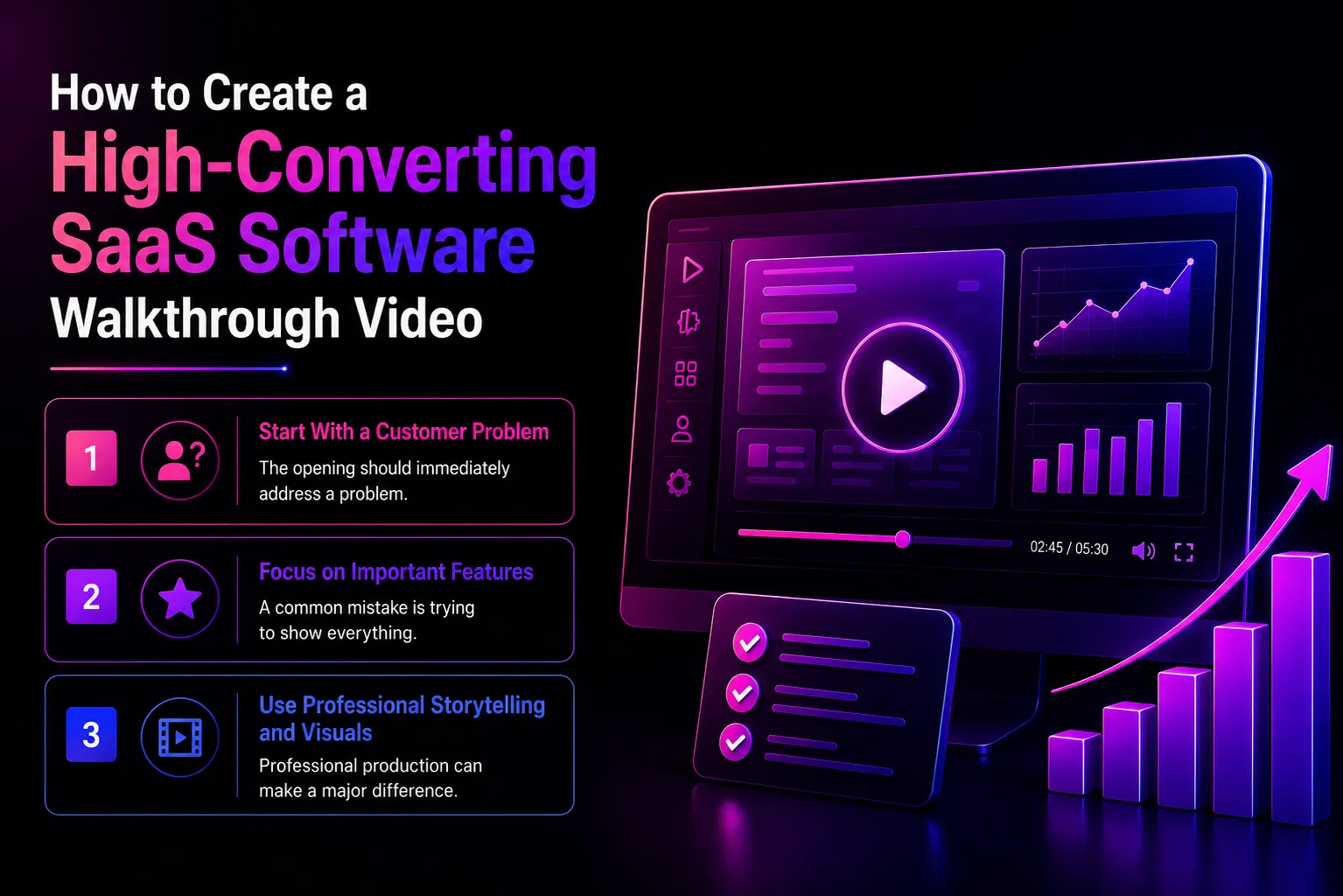
4.1 Start With a Customer Problem
The opening should immediately address a problem.
For example:
“Managing your sales pipeline across multiple tools?”
This opening creates relevance.
The viewer immediately understands that the video is about solving a problem they may already experience.
Next, introduce the software as the solution.
This structure creates a natural transition from problem to product.
4.2 Focus on Important Features
A common mistake is trying to show everything.
However, viewers do not need to see every button or setting.
Focus on the features that directly support the customer’s goal.
For example, a project management platform might demonstrate task creation, team collaboration, automation, and reporting.
Other features can be introduced through separate videos.
This approach keeps the main walkthrough focused and easy to follow.
4.3 Use Professional Storytelling and Visuals
Professional production can make a major difference.
Clean screen recordings, cursor highlights, zoom effects, annotations, motion graphics, and voice-over can guide attention toward important areas.
A professional SaaS software walkthrough video production agency can combine these elements into a clear visual story.
The goal is not to add effects everywhere.
Instead, every visual element should help the viewer understand the product.
Businesses can also explore AI-powered SaaS software walkthrough video creation for faster content development. However, the final video should still maintain accurate product information, clear storytelling, and a consistent brand identity.
5. Why Professional SaaS Walkthrough Video Services Matter
SaaS products are constantly changing.
New features are released. Interfaces are updated. Customer expectations evolve.
Therefore, companies need a scalable video strategy.
Professional production services can help businesses create walkthrough content that remains useful across the customer journey.
5.1 Create Content for Different Customer Stages
One video cannot answer every customer question.
A better approach is to create a collection of focused walkthrough videos.
For example, businesses can create separate videos for:
- Product overview and onboarding.
- Feature-specific workflows and advanced use cases.
- Integrations, automation, and troubleshooting.
This creates a complete educational library.
It also makes it easier for users to find the information they need.
5.2 Work With a Specialized Video Production Team
A specialized team understands how to present software clearly.
They can help with scripting, storyboarding, screen recording, animation, voice-over, editing, and distribution.
Businesses looking for best SaaS software walkthrough video services should review the provider’s previous SaaS projects.
Look for experience with similar products, audiences, and industries.
The right partner should understand both video production and SaaS marketing.
5.3 Build Professional Videos for Long-Term Growth
Professional SaaS software walkthrough videos for software companies can support more than marketing.
They can also help sales teams, customer success teams, support teams, and onboarding specialists.
This makes the investment more valuable.
One well-produced video can be used across product pages, sales presentations, knowledge bases, email campaigns, and onboarding flows.
Over time, this creates a scalable content library that supports both customer acquisition and retention.
Conclusion
A SaaS Software Walkthrough Video can turn a complicated software experience into a simple and engaging product story.
Instead of asking prospects to understand dashboards and features through text, businesses can show them how the software works.
This improves product clarity. It builds trust. More importantly, it can support conversions throughout the customer journey.
The strongest walkthrough videos focus on customer problems and practical outcomes. They avoid unnecessary features and guide viewers toward one clear action.
For SaaS companies, the opportunity goes beyond one product video. A complete video strategy can include onboarding videos, feature demonstrations, sales content, and customer education.
With the right strategy and professional best SaaS software walkthrough video services, businesses can create valuable content that supports marketing, sales, and customer success.
As SaaS competition continues to increase, product understanding can become a major competitive advantage. A clear walkthrough helps customers understand your software faster and gives them more confidence to take the next step.
FAQ’s
What is a SaaS Software Walkthrough Video?
A SaaS Software Walkthrough Video demonstrates how a software product works. It guides viewers through the interface, features, and workflows using visual product demonstrations.
How do SaaS walkthrough videos improve conversions?
They simplify complex software and help prospects understand product value. This can increase free trial signups, demo requests, and purchasing confidence.
What makes the best SaaS demo video software?
The best SaaS demo video software makes it easy to record, edit, explain, and present software workflows. Useful features include screen recording, annotations, zoom effects, voice-over, and editing tools.
What should a SaaS software walkthrough video include?
A strong walkthrough should include a customer problem, product solution, key workflows, important benefits, and a clear call-to-action.
Are walkthrough videos useful for B2B SaaS startups?
Yes. Custom SaaS software walkthrough videos for B2B startups can demonstrate industry-specific workflows and help decision-makers understand the product faster.