If you run a SaaS business, you already know this: customer support isn’t cheap. The average ticket costs between $15–$25 to resolve, and when thousands of repetitive queries pile up, support quickly becomes one of the biggest drains on your budget.
But here’s the surprising truth—smart SaaS brands aren’t just looking at cutting support costs anymore. They’ve realized something far more powerful: when you give customers a smoother, easier, and faster experience, support requests naturally go down.
And the tool making this possible? The Walkthrough Video.
A product walkthrough or video walkthrough doesn’t just answer questions—it prevents them. By showing users exactly how to use a feature, navigate an app, or complete a workflow, walkthroughs reduce friction from the start. Customers feel empowered, onboarding becomes seamless, and retention goes up.
The result? A far better experience for customers, at nearly 40% less support cost. The savings aren’t the goal; they’re the outcome of happier, more self-sufficient users.
Why SaaS Support Costs Are Skyrocketing
Let’s be real—customer support in SaaS isn’t just an expense; it’s a pressure cooker.
1. Onboarding is the Make-or-Brea Moment
Research shows that 63% of customers say onboarding is a key factor in deciding whether to stick with a product. If your onboarding is clunky, customers flood support with “how-to” questions—or worse, churn before they ever experience value.
That means higher support volume and higher acquisition costs because you’re constantly replacing lost customers.
2. Scaling Support Teams Doesn’t Scale Profitably
Hiring more support agents sounds like the solution. But each additional rep adds salary, training, and tool costs. The more your SaaS grows, the more unsustainable this becomes.
Compare that with an app walkthrough video: create it once, and it supports thousands of customers simultaneously, without extra headcount.
3. Repetitive Queries Eat Away at Resources
Every SaaS platform has common questions: “How do I reset my password?”, “Where do I find this feature?”, or “Why can’t I integrate with [X tool]?”.
These aren’t complex issues, but when thousands of users ask the same thing, your team spends hours on problems that a simple product walkthrough could have solved in two minutes.
4. Customer Expectations Are Changing
Today’s SaaS users expect instant solutions. Long wait times or repetitive back-and-forth tickets are deal-breakers. If you don’t provide fast, clear answers, users will leave—not because your product is bad, but because the experience isn’t good enough.
That’s why SaaS support costs keep climbing. Not because customers are asking unreasonable things, but because the system is designed reactively, answering questions after they arise instead of preventing them in the first place.
And this is exactly where a Walkthrough Video strategy changes the game. Instead of answering the same question 500 times, you show your users how it’s done once, and empower them to solve problems on their own.
What is a Walkthrough Video & Why It Works
Imagine signing up for a new SaaS tool. You’re excited, but within five minutes, you’re staring at a dashboard that feels more like the cockpit of an airplane. Buttons everywhere. Features you don’t understand. You think: “Where do I even start?”
This is exactly the moment when animated walkthrough videos save the day.
Instead of dumping you into endless help docs, the tool simply plays a short guided video that says: “Here’s how to set up your first project. Click here, then here. Done.
Suddenly, the confusion disappears. You get value faster. You stick around.
That’s what a walkthrough is. It’s not just a video. It’s a bridge between your product and your customer’s success.
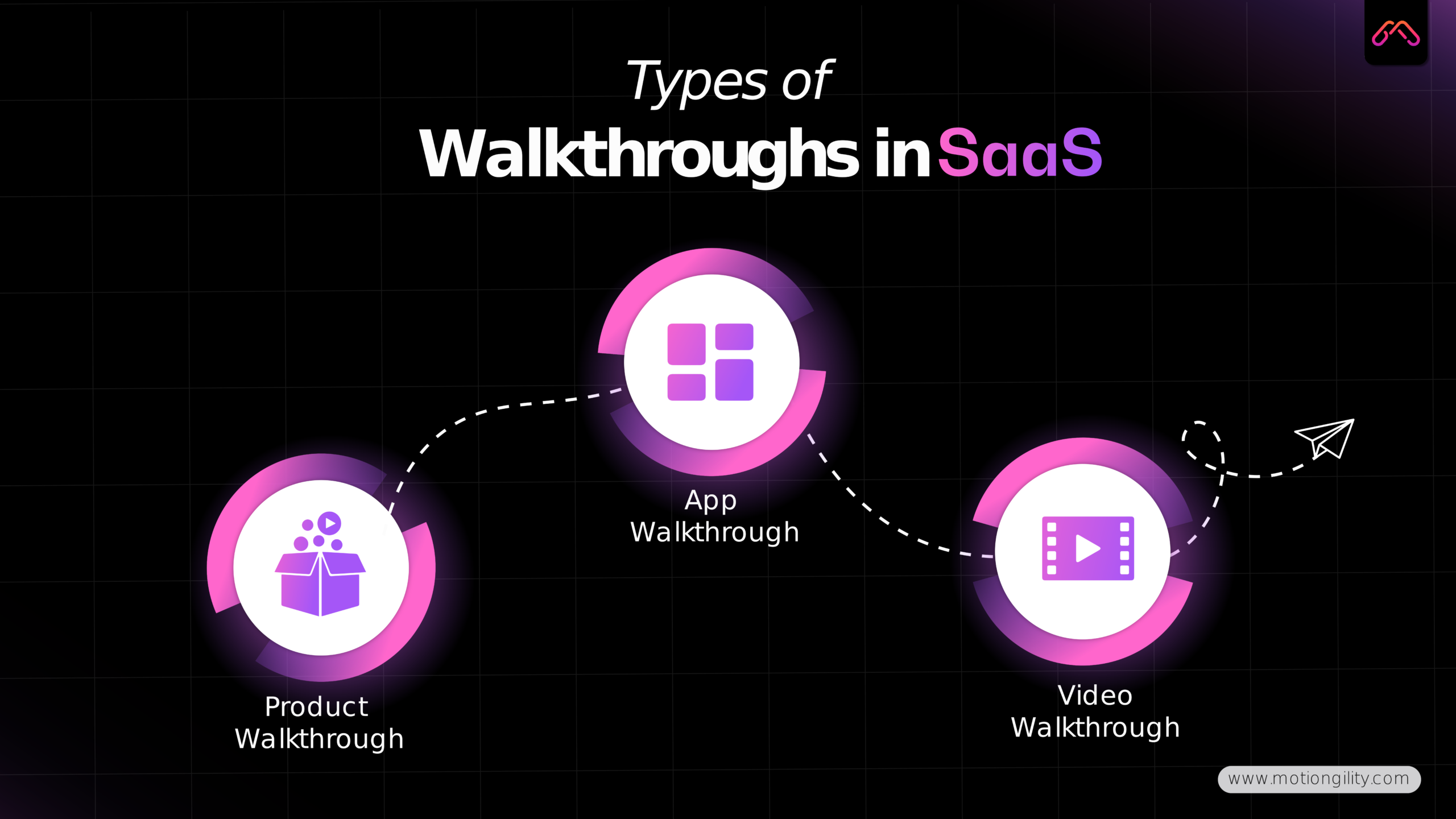
Different Types of Walkthroughs in SaaS
Product Walkthrough: Think Trello showing you how to create your very first board. It’s feature-focused, straight to the point.
App Walkthrough: Mobile apps love this. Picture Uber showing you, step by step, how to book your first ride.
Video Walkthrough: This is bigger. It could be a full tutorial or onboarding flow that explains multiple features in one go — perfect for SaaS platforms with complex dashboards.
Why Walkthrough Videos Work So Well
People Learn Visually
Text-based FAQs are fine, but studies show we remember 95% of what we watch in a video, compared to just 10% of what we read. That’s not a small gap — that’s the difference between users staying confused and actually becoming power users.
Onboarding Gets Faster
Nobody enjoys scrolling through a 20-page help center. A two-minute video walkthrough cuts through the noise and shows users exactly what to do. The faster they reach the “aha!” moment, the lower your churn.
Scale Without Extra Headcount
Every support rep explains things differently. Videos don’t. One walkthrough video = thousands of customers getting the same consistent, high-quality answer.
Proof It Works
Slack uses mini walkthroughs inside the app so teams can master threads and integrations.
Notion has clean product walkthroughs that guide new users into creating databases and dashboards.
Grammarly shows quick video tutorials that make advanced features approachable.
These aren’t just marketing gimmicks. They’re strategic assets that improve user adoption, reduce repetitive questions, and build long-term product loyalty.
And for SaaS companies, they’re one of the few tactics that actually make customers happier while lowering support costs.
How Walkthrough Videos Cut Support Costs by 40%
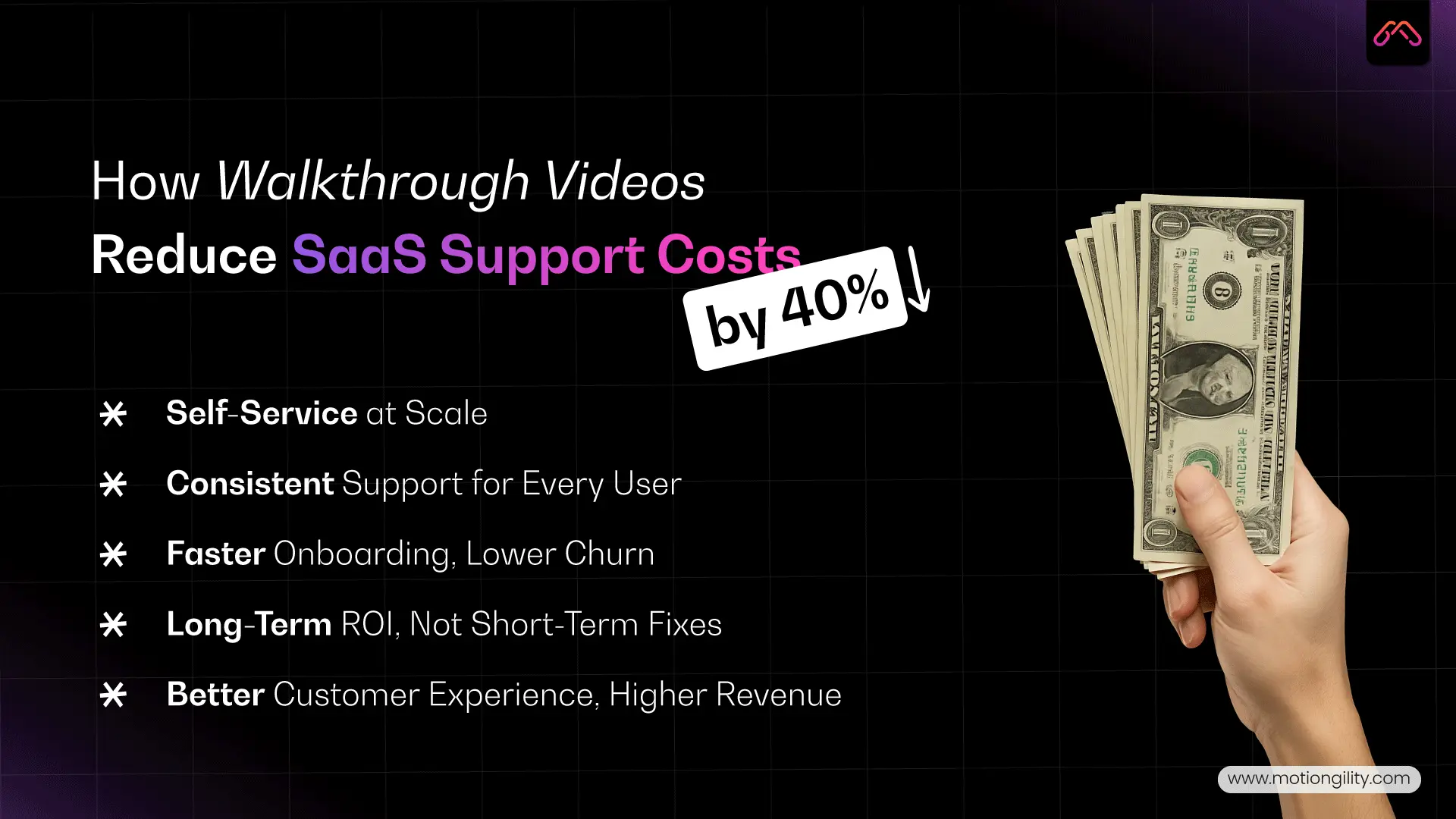
Let’s be clear upfront: Walkthrough Videos aren’t about replacing your support team. They’re about making sure your customers don’t need to open a ticket in the first place. The reduced cost is just the cherry on top.
Here’s how it plays out in the real world.
1. Self-Service at Scale
When customers hit a roadblock, they want answers now — not after 12 back-and-forth emails. A video walkthrough puts the solution right in front of them. Instead of opening a support chat to ask, “How do I set up integrations?”, they watch a 2-minute video and solve it themselves.
Multiply that by thousands of users and suddenly, your support team isn’t drowning in repetitive questions. The outcome? A leaner support queue and up to 40% fewer tickets. That’s the real impact of how walkthrough videos reduce customer support costs in SaaS while keeping customers happy.
2. Consistency Across Every User
One of the biggest hidden costs in SaaS support is inconsistency. Different agents explain the same problem differently.
Some answers are clear, others confuse the customer even more. A product walkthrough video fixes that instantly. One recording = thousands of customers receiving the exact same high-quality explanation.
3. Faster Onboarding, Lower Churn
Support costs don’t just come from troubleshooting — they spike when onboarding goes wrong. Customers who don’t understand your product bombard your support team or, worse, churn out silently.
A simple app walkthrough during onboarding helps new users adopt features faster, which means fewer tickets and more satisfied customers who actually stick around.
This is why many SaaS companies are turning to walkthrough videos for reducing churn in SaaS businesses as part of their growth strategy.
4. Long-Term ROI vs Short-Term Fixes
Here’s the math SaaS founders often overlook:
- Hiring a support rep? $40k–$60k per year, plus training.
- Creating a library of walkthrough videos? A one-time investment that works 24/7, forever.
That’s not just cost reduction. That’s scaling smarter.
5. The Customer Experience Multiplier
This is the part most companies miss. Customers don’t care that you’re saving money. What they care about is how quickly they can solve their problem and move on.
With walkthrough videos, you’re not just cutting support costs by 40% — you’re giving your users an experience that feels effortless.
And when customers are happy, they renew, they upgrade, and they tell others. Which means your videos aren’t just cutting costs — they’re driving revenue.
SaaS Product Walkthrough Videos vs Live Support Costs
Here’s the question every SaaS founder eventually asks:
“Should I keep hiring more support agents, or should I invest in scalable tools like walkthrough videos?”
The honest answer? You need both — but the balance makes all the difference.
Live Support: The Pros and Cons
Live chat and support reps are fantastic when customers face complex, one-off issues. A human touch builds trust and solves problems automation can’t. But here’s the flip side:
- High Cost Per Ticket: As mentioned earlier, each ticket can cost $15–$20 on average.
- Scaling Problem: As your customer base grows, costs don’t just rise linearly — they spike. More users = more tickets = more headcoun.
Walkthrough Videos: The Scalable Alternative
Now, imagine replacing 70% of those repetitive questions with a product walkthrough video or app walkthrough. Suddenly, customers get answers instantly, without opening a ticket.
- One-Time Investment: A library of video walkthroughs continues to serve thousands of customers without additional cost.
- Consistent Quality: Unlike live reps, a walkthrough video delivers the exact same clear answer every time.
- 24/7 Availability: Customers in different time zones don’t wait for “support hours.” They hit play and keep moving.
The ROI Comparison
Let’s run a quick thought experiment:
- Hiring 5 new support reps might cost your SaaS business $250,000 per year (salaries + tools + training).
- Creating a suite of SaaS product walkthrough videos might cost a fraction of that — but continue paying dividends for years.
That doesn’t mean you fire your support team. It means you let them focus on high-value issues, while your videos handle the repetitive, low-level queries that drain resources.
Best Practices for Creating SaaS Walkthrough Videos
Here’s the truth: not all walkthroughs are created equal.
A poorly made walkthrough video is just another layer of frustration. But a well-crafted one? It becomes your silent customer success manager — guiding users, reducing churn, and cutting support costs without anyone noticing.
So, how do you create SaaS walkthroughs that actually work?
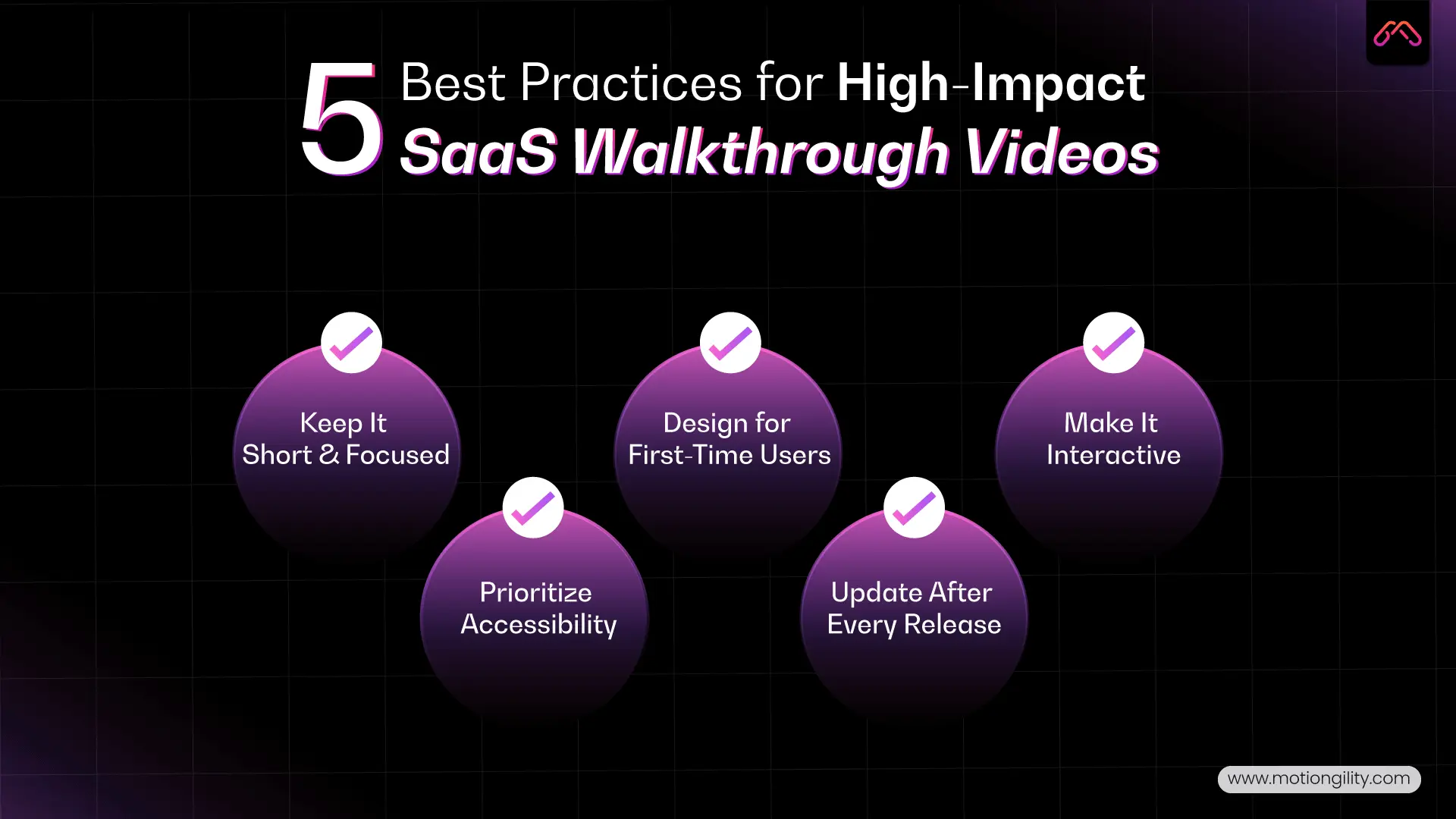
1. Keep It Short and Focused
Nobody wants a 15-minute tutorial when all they need is to learn one feature. The sweet spot is 2–3 minutes per video. Cover one task, one workflow, and keep it crisp.
Think of Grammarly’s quick product walkthroughs: they don’t explain the entire app at once. They focus on one action — like checking tone or running a grammar scan — so users can apply it instantly.
2. Design for First-Time Users
Remember, your customer isn’t an expert. Avoid jargon. Keep the language simple, and guide them visually with clear highlights or arrows. Good app demo videos feel like onboarding with a patient mentor, not a rushed lecture.
Dropbox nailed this by showing first-time users how to upload and share a file in under 60 seconds. That single action hooks the user and proves the value.
3. Make It Interactive Where Possible
Static videos work, but interactive video walkthroughs are even better. Think clickable steps inside the app, progress bars, or tooltips that guide users while they explore. Products like Notion and Slack combine static and interactive walkthroughs to reinforce learning.
4. Don’t Forget Accessibility
Closed captions, clear audio, and easy-to-understand visuals aren’t just nice-to-haves — they’re must-haves. SaaS companies with global audiences can’t assume everyone consumes content the same way. Adding captions alone can boost video completion rates significantly.
5. Update Walkthroughs With Every Major Release
Here’s where many SaaS companies slip: the product evolves, but the product walkthrough videos stay outdated. That disconnect confuses customers more than it helps. Every time you push a big feature update, update your walkthrough library to match.
Pro Tip: Partner With Experts
Most SaaS teams don’t have the time or in-house skill set to produce polished walkthroughs. That’s where MotionGility comes in. As a leading explainer video agency, MotionGility has helped SaaS businesses across industries create engaging, conversion-focused walkthrough videos that not only look great but also deliver measurable ROI.
Conclusion
A Walkthrough Video does more than cut support costs — it gives SaaS customers the smooth, frustration-free experience they expect. The 40% cost reduction is simply the result of fewer repetitive queries and faster onboarding.
Think about it: happier users, lower churn, and a support team free to focus on what really matters. That’s the power of walkthroughs.
If you’re ready to reduce support load and delight customers at the same time, MotionGility can help you create SaaS video walkthroughs that do exactly that.
FAQs
1. How do walkthrough videos reduce customer support costs in SaaS?
Walkthrough videos guide users step by step, preventing repetitive queries and reducing ticket volume. This lowers support workload and can cut SaaS support costs by up to 40%.
2. Can walkthrough videos reduce repetitive customer queries?
Yes. By answering common “how-to” questions upfront, walkthrough videos eliminate the need for users to contact support, saving time for both customers and teams.
3. How do walkthrough videos improve SaaS onboarding and retention?
They help new users quickly understand features and workflows. Faster onboarding creates confidence, which improves retention and reduces churn.
4. Do walkthrough videos help reduce churn in SaaS businesses?
Absolutely. Most churn happens when users don’t see value early. Walkthrough videos make onboarding smoother, which keeps customers engaged and less likely to leave.
5. What’s the difference between SaaS product walkthrough videos and live support costs?
Live support costs grow as you add more users and agents. A SaaS product walkthrough video is a one-time investment that scales infinitely, reducing dependency on live support.